Reception Robot
Welcome visitors and answer common questions about your company, services, and policies using your knowledge base.
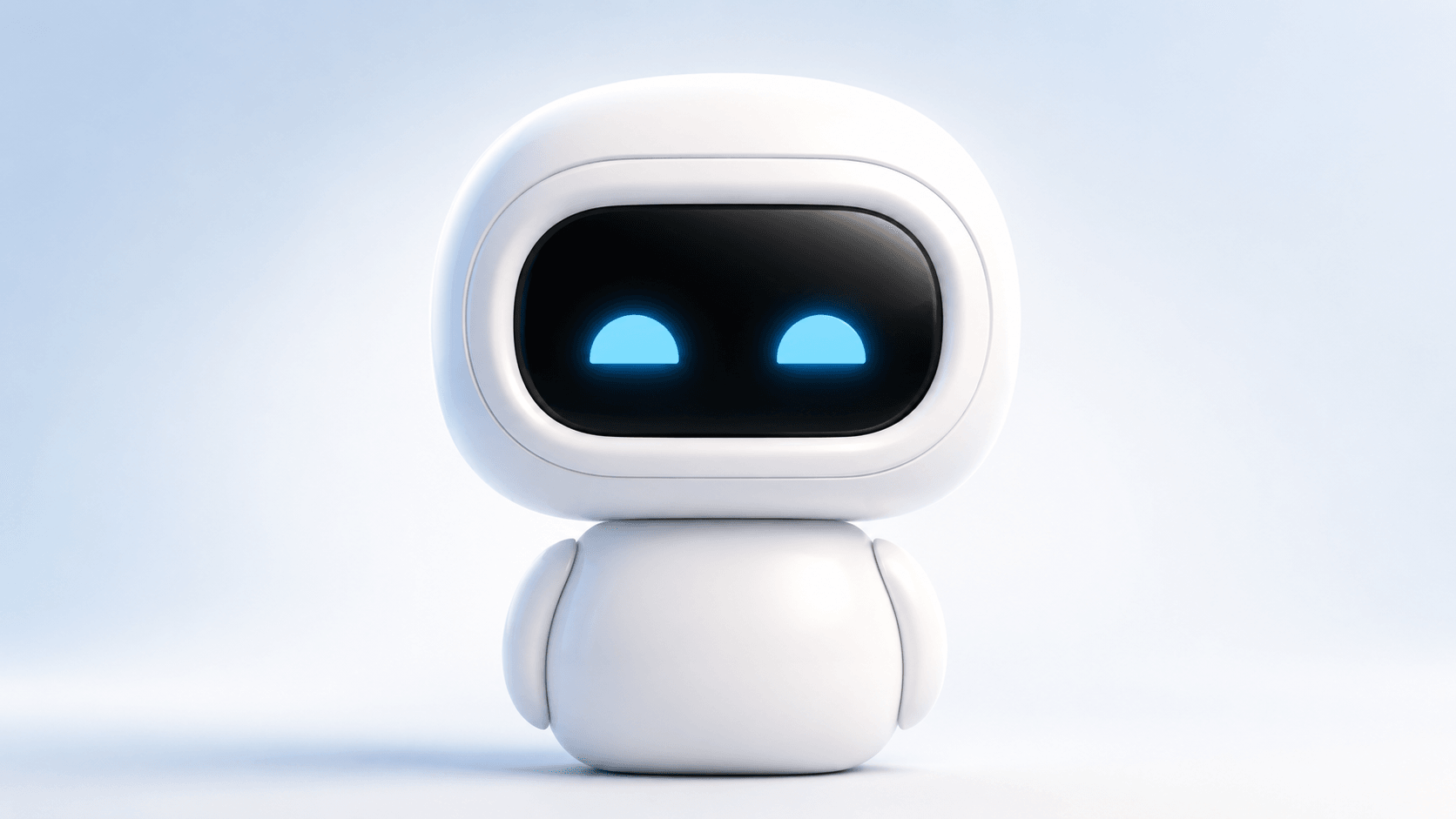
Connect your documents, FAQs, websites, internal knowledge, and product information so Chibot can answer questions in real-world spaces.
Reliable, secure, and scalable
Reception, desks, and teams
Help shoppers and staff
Engage visitors anywhere
By design, always
Welcome visitors and answer common questions about your company, services, and policies using your knowledge base.
Help employees find answers about HR, IT, benefits, processes, and everything in your internal knowledge hub.
Guide shoppers, check product information, policies, and store services directly from your connected content.
Engage attendees and answer questions about schedules, speakers, booths, and event FAQs in any language.
Explain product features, compatibility, pricing, and specs using your catalog and technical documentation.
Share visitor info, local recommendations, policies, and facility details for guests and tenants.
STEP 1
Add PDFs, docs, FAQs, websites, internal wiki, and more.
STEP 2
Choose role, tone, language, and answer rules.
STEP 3
Chibot answers visitors, employees, or customers in any space.
Sources
A visitor asks a question out loud; Chibot answers from your own content and cites the document it came from.
User asks a question
“Where do I file an expense report?”
Chibot answers from your knowledge
“Expenses go through Finance Hub. Submit within 30 days of purchase.”
Source: Employee Handbook, p. 24
Always available to help employees and customers.
A friendly face people trust and remember.
New hires get answers instantly and ramp up quickly.
Everyone gets accurate, up-to-date information.
Communicate in multiple languages naturally.
Keep content current without any coding or complex setup.
Version 1 is the Knowledge Base Assistant: Chibot connects to your company knowledge and answers questions out loud in office, reception, retail, and event spaces.
PDFs, your website, FAQs, product catalogs, internal docs, and company wikis. Content stays current without any coding or complex setup.
Chibot communicates in multiple languages naturally, so visitors and employees can ask questions in the language they prefer.
Request a demo below. Pilot partners get early access, a personalized walkthrough, and a direct line into the product roadmap.
Pilot program
Get early access to Chibot, schedule a personalized demo, and help shape the future of physical AI assistants.
Perfect for offices, retail, showrooms, and events.