Reception Robot
Welcome visitors and answer common questions about your company, services, and policies using your knowledge base.
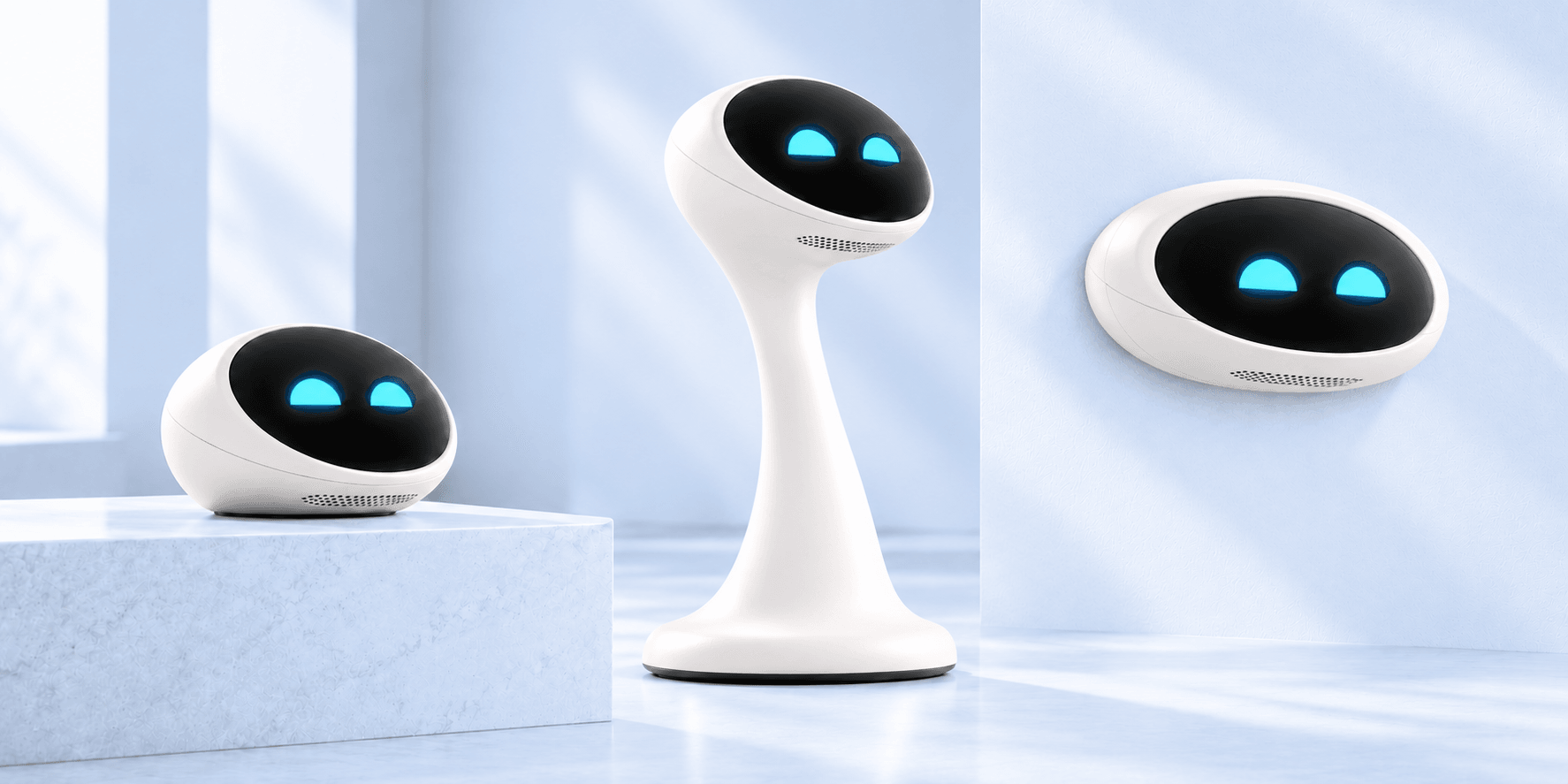
Connect your documents, FAQs, websites, internal knowledge, and product information so Chibot can answer questions in real-world spaces.
Reliable, secure, and scalable
Reception, desks, and teams
Help shoppers and staff
Engage visitors anywhere
By design, always
Welcome visitors and answer common questions about your company, services, and policies using your knowledge base.
Help employees find answers about HR, IT, benefits, processes, and everything in your internal knowledge hub.
Guide shoppers, check product information, policies, and store services directly from your connected content.
Engage attendees and answer questions about schedules, speakers, booths, and event FAQs in any language.
Explain product features, compatibility, pricing, and specs using your catalog and technical documentation.
Share visitor info, local recommendations, policies, and facility details for guests and tenants.
STEP 1
Add PDFs, docs, FAQs, websites, internal wiki, and more.
STEP 2
Choose role, tone, language, and answer rules.
STEP 3
Chibot answers visitors, employees, or customers in any space.
Sources
A visitor asks a question out loud; Chibot answers from your own content and cites the document it came from.
User asks a question
“Do you have these running shoes in size 42, and are they waterproof?”
Chibot answers from your knowledge
“Yes, the Trail Runner X is in stock in size 42, aisle 4. It has a waterproof membrane.”
Source: Product catalog (CSV), SKU TRX-42
Human handoff
If the answer is not available in the knowledge base, Chibot says so clearly and displays a QR code on its screen. Visitors can scan it, submit their question, and connect with a real person who can help.
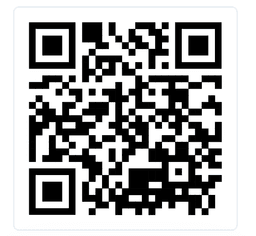
“I don’t have that answer yet.”
Scan to ask a person on our team.
Insights
Chibot shows businesses what people are actually asking about, which topics come up most often, and what information is hard to find. These insights help improve customer service, content, and operations.
Top topics
Always available to help employees and customers.
A friendly face people trust and remember.
New hires get answers instantly and ramp up quickly.
Everyone gets accurate, up-to-date information.
Communicate in multiple languages naturally.
Keep content current without any coding or complex setup.
Version 1 is the Knowledge Base Assistant. Chibot connects to your company knowledge, answers questions out loud, helps visitors reach a person when needed, and gives your team insight into what people are asking.
PDFs, your website, FAQs, product catalogs, internal docs, and company wikis. Retail product catalogs can be imported as CSV files. Content stays current without any coding or complex setup.
Chibot communicates in multiple languages naturally, so visitors and employees can ask questions in the language they prefer.
If the answer is not available in the knowledge base, Chibot says so clearly and displays a QR code on its screen. Visitors can scan it, submit their question, and connect with a real person who can help.
Chibot shows businesses what people are actually asking about, which topics come up most often, and what information is hard to find. These insights help improve customer service, content, and operations.
Request a demo below. Pilot partners get early access, a personalized walkthrough, and a direct line into the product roadmap.
Pilot program
Get early access to Chibot, schedule a personalized demo, and help shape the future of physical AI assistants.
Perfect for offices, retail, showrooms, and events.
Chibot for Home · Pre-order open
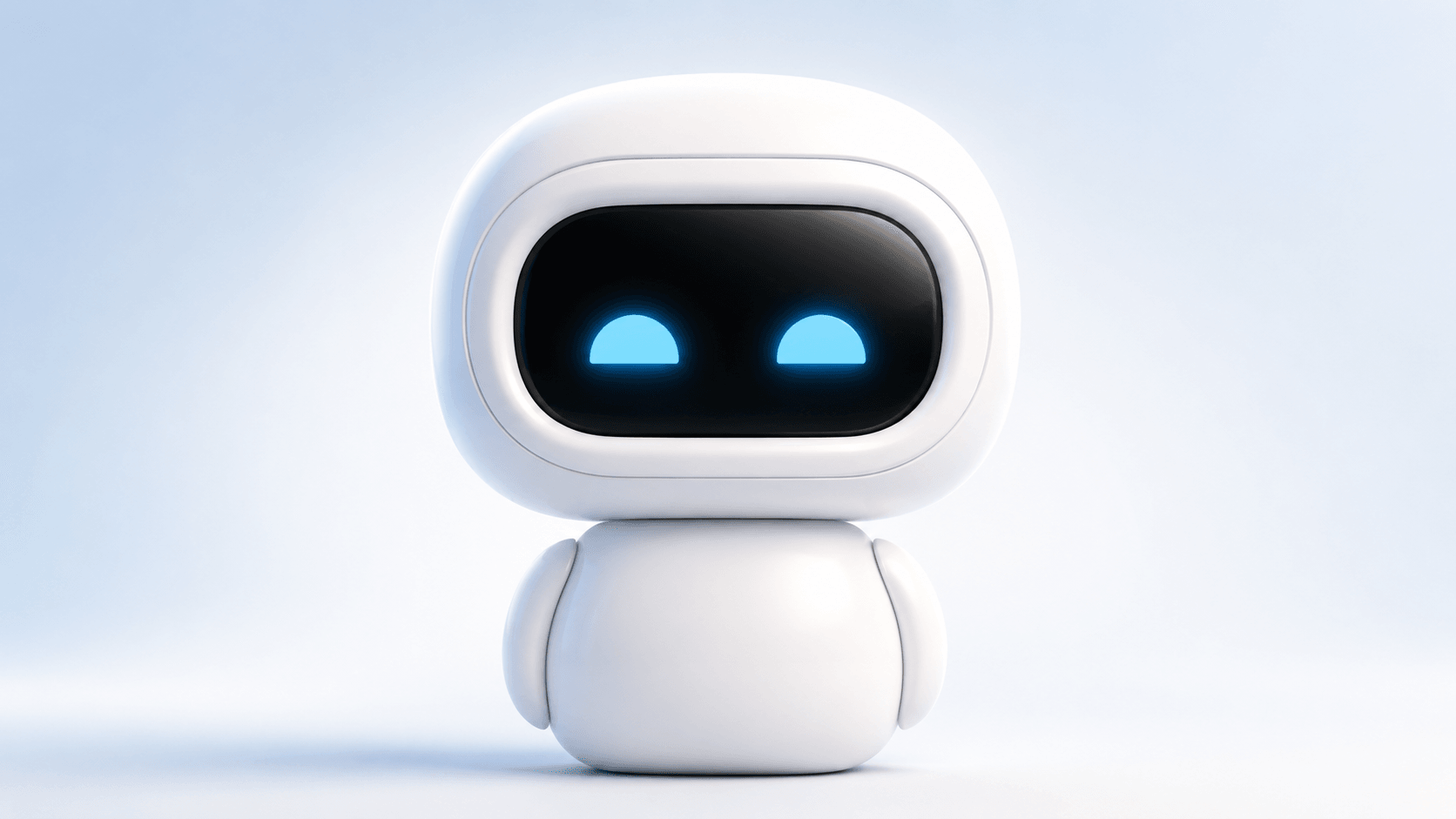
Chibot tells stories, reads books aloud, plays and learns with your kids, and helps the household run a little smoother. Pre-order for free: leave a request and we’ll contact you when your Chibot is ready to ship.
Calm bedtime tales with soothing voices, soft music, and gentle pauses that help children wind down and fall asleep.
Chibot reads stories aloud, pauses for questions like "Why did he do that?", then continues from the same place.
Parents and grandparents can record stories in their own voices, so children can listen anytime, even from far away.
After the story, Chibot can talk about favorite characters, explain what happened, and ask what your child thinks.
Turns every story into a playful quiz with questions about characters, events, and details to build attention and memory.
Answers endless why-questions, explains new ideas in simple words, and turns learning into fun conversations.
Storytime
Play a favourite story, audiobook, or one recorded by your family. Ask a question at any moment - Chibot pauses, answers in context, and continues right where the story left off.
You
“Who is the owl, and why is he helping the fox?”
Chibot
“He’s the forest’s oldest friend. He helps lost animals find their way, and he thinks Finn might be braver than he knows.”
STEP 1
Open the app, connect Chibot to Wi-Fi, and choose how your family wants it to sound, respond, and behave at home.
STEP 2
Add favourite books, family recordings, and audio content so Chibot can read aloud, replay them, and keep them ready for bedtime.
STEP 3
Ask for a story, interrupt with a question, and let Chibot pick up exactly where it stopped when you are ready to continue.
STEP 1
Fill in a short form on this page. No payment and no card details needed.
STEP 2
Requests are handled in the order they arrive. We’ll keep you posted on production by email.
STEP 3
When a unit is ready to ship, we reach out to confirm delivery details and payment. You decide then.
No payment today
Leaving a pre-order request costs nothing and doesn’t oblige you to buy. You pay only if you decide to order once we contact you.
No. A pre-order is a free request on our website. We don’t ask for payment or card details.
We add you to the queue and contact you when we can ship your Chibot. Then you confirm delivery details and decide whether to buy.
The first batch is planned for Q3 2027. Requests are handled in the order they arrive, and we’ll contact you as soon as your unit can be sent.
Pre-order
Leave your details and we’ll contact you as soon as we can ship your Chibot.
No payment needed. A pre-order request is free and doesn’t oblige you to buy.